> For the complete documentation index, see [llms.txt](https://alhena.gitbook.io/docs/llms.txt). Markdown versions of documentation pages are available by appending `.md` to page URLs; this page is available as [Markdown](https://alhena.gitbook.io/docs/ai-configuration/data-sources/discord-messages.md).
# Discord Messages
{% hint style="info" %}
The Discord data source is available on a limited basis and isn't enabled for every account. If you don't see Discord as an option, contact the Alhena team to enable it for your account.
{% endhint %}
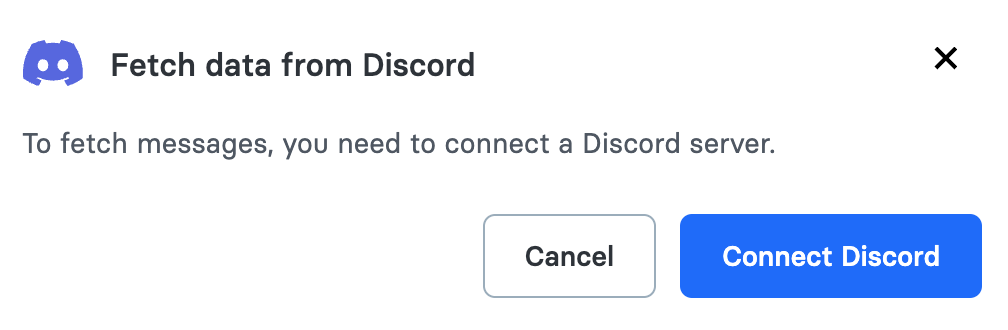
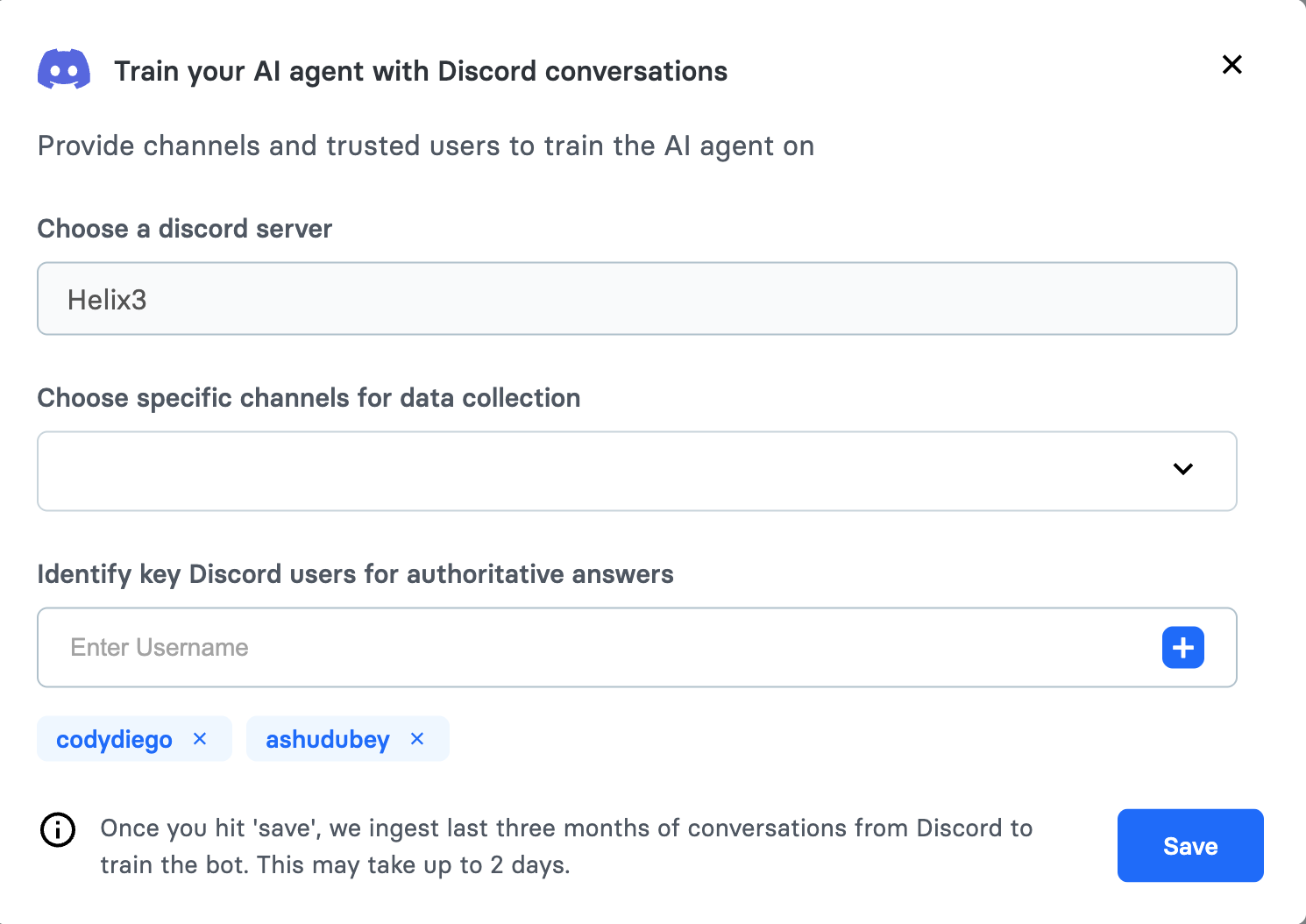
Alhena AI supports indexing messages from Discord channels to provide context or answer questions based on past interactions. Alhena AI has a section for ingesting data from other sources, where it asks you to connect your Discord server for data fetching. Once connected, it will prompt you to select the channels from which Alhena AI needs to pull data. Additionally, it will ask you to provide the Discord IDs of users whose answers you want to consider as official responses. By default, Alhena AI retrieves data from the last 90 days from the selected Discord channels. Discord data at Alhena AI is refreshed every 24 hours. Alhena AI requires read-only access to the channels from which it needs to read data. If access is not granted, a dialog box will pop up explaining how to grant Alhena AI the necessary access.
### Steps to enable Data fetch from discord messages
1. Go to Home > AI Settings, then click "Add external source" and choose Discord. It will prompt you to connect Discord.
Alhena AI interace to connect discord
2. Once connected, it will show a screen asking which channel to read from for Discord messages.
Alhena AI configuration showing how to configure channels for data fetch
2. If the Alhena AI app inside Discord can't read from a given channel, you need to add permissions for the Alhena AI app to read from that channel.